
ICYMI: The Future is Here, it's Risky, and 99.9% of people don't know about this AI Agent.
The future is here, it's risky, and 99.9% of people don't know about it.
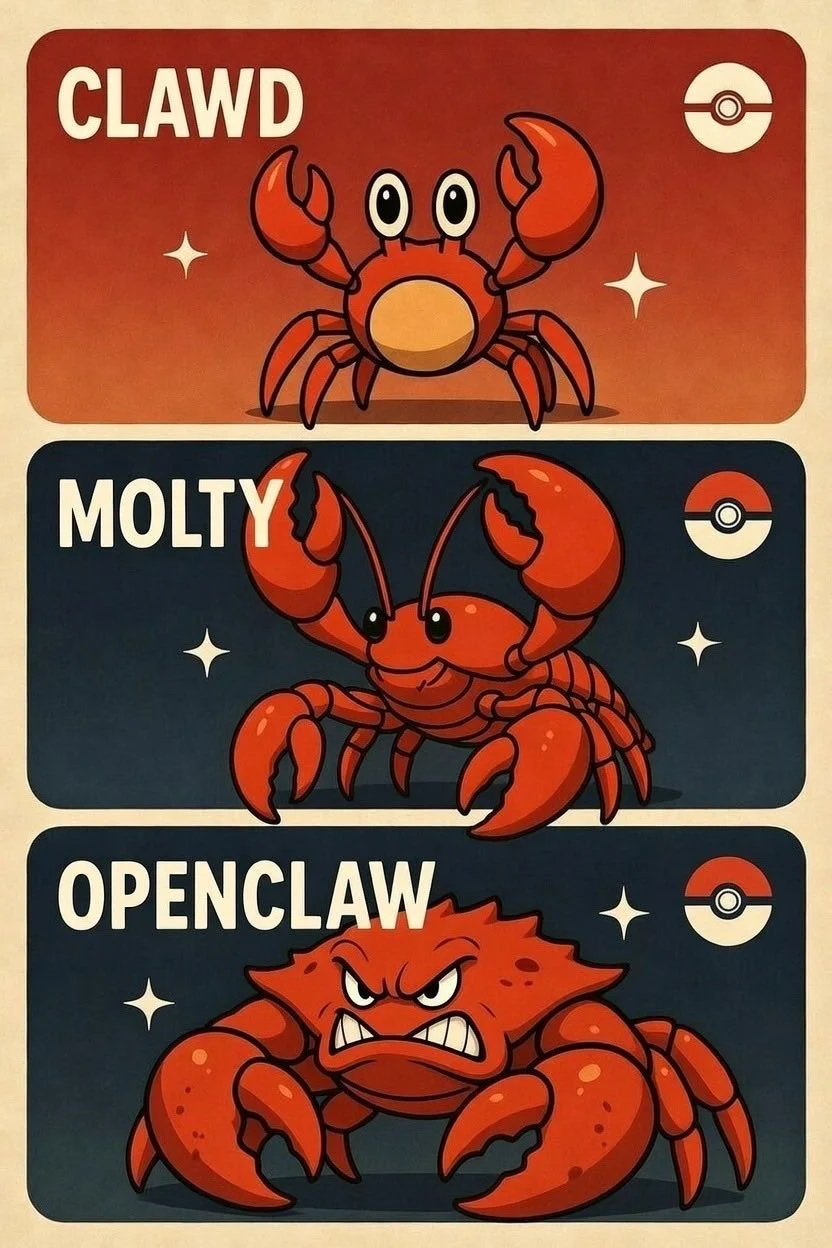
Yes, I'm talking about OpenClawAI, formerly known as MoltBot and Clawdbot. It's taking the internet by storm and most people have no idea it exists.
How I Discovered the AI That Works While You Sleep
I stumbled upon OpenClawAI through a random thread on X about autonomous AI agents. Someone casually mentioned they had "hired a digital employee that costs $50 a month and never sleeps." I thought it was hyperbole. It wasn't.
For years, cloning yourself was a fantasy. The idea of tireless employees who work nonstop, cost nothing extra, and never burn out sounded like science fiction. Today, that fiction has crossed into reality—and the implications are bigger, and riskier, than we’re prepared for.
What Actually Is OpenClawAI?
OpenClawAI is an open-source AI agent that operates directly on your machine, 24/7. It sees what you see, interacts with your system, and independently handles tasks like email, coding, document management, and complex end-to-end workflows.
Think of it like the difference between giving someone directions versus giving them your car keys. Most AI tools wait for you to tell them exactly what to do, step by step. OpenClawAI takes the keys and drives itself.
Created by Peter Steinberger, the project spread rapidly. First known as Clawdbot, it was renamed following trademark concerns raised by Anthropic in late January 2026, briefly becoming MoltBot before landing on OpenClawAI on January 30, 2026.
At a basic level, you’re hiring a digital worker for $50–200 per month. You interact via simple text messages, assign tasks, and it executes continuously.
My First (Terrifying) Experience
I didn't want to risk OpenClawAI deleting everything on my computer, so I went and bought a MacMini from Apple to give me a test environment sandbox. Best $800 I've ever spent.

The results were wild.
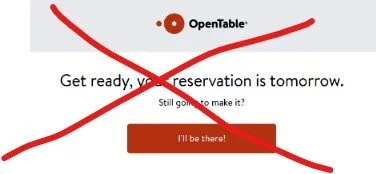
An easy test was to have OpenClawAI make a reservation for me. It couldn't figure out the OpenTable API piece, so it ended up creating a voice agent, calling the restaurant, making the reservation, and creating a calendar invite for me.
I never asked it to do any of that. I just said "make me a reservation at [restaurant name] for tomorrow at 7pm."
It problem-solved. It adapted. It completed the task using methods I never specified.
That's when I realized this wasn't just another AI tool. This was something fundamentally different.
My Three-Week Journey: From Skeptic to Believer (With Scars)
Week One: The Overnight Coder That Actually Worked
The first real test came on a Tuesday night. I had a client project that needed a simple dashboard feature - nothing fancy, just a way to visualize some data trends. I'd been putting it off for three days because it felt like a tedious four-hour task.
At 11 PM, exhausted from back-to-back calls, I sent OpenClawAI a message: "Build a dashboard component that shows weekly user engagement trends with a line chart. Use our existing data structure."
I went to bed skeptical. I'd tried AI coding assistants before. They always needed hand-holding.
Wednesday morning, 6:47 AM, my phone buzzed. "Dashboard feature complete. Pull request created. Preview link attached."
I stared at my phone in disbelief. I opened the preview. The output was... actually good.
Proper error handling. It even added responsive design touches I hadn't requested.
That's when it clicked: This wasn't an assistant. This was a coworker who worked while I slept.
By Friday of that first week, I'd gotten bold. "Build something cool tonight. Surprise me." I woke up to a fully functional expense tracking app with receipt scanning. I didn't need an expense tracker. But the fact that it could conceive, build, and deliver something useful overnight made me rethink everything about my business model.
Week Two: The Content Factory (And the Panic Attack)
Monday of week two, I tried something different. I had five speaking engagements coming up and needed content to promote them. Normally, this takes me an entire day—writing social posts, drafting email announcements, creating LinkedIn articles.
I sent OpenClawAI a simple message: "Here are my five upcoming speaking topics. Create a week's worth of promotional content for each."
By Tuesday morning, I had 35 pieces of content. LinkedIn posts, tweet threads, email drafts, Instagram captions—all tailored to each topic. Some of it was mediocre. Maybe 40% needed heavy editing. But 60% was publishable with minor tweaks.
Here's where it got interesting: I'd been keeping random business ideas in Apple Notes for months. Scattered thoughts about potential products, content angles, partnership concepts. A complete mess.
Wednesday night, frustrated with my disorganized brain, I told OpenClawAI: "Organize all my notes. Put similar ideas together. Create folders by theme."
Thursday morning, I opened my Notes app and had a minor panic attack. Everything had moved. My chaos was now... organized. Tweet ideas in one folder. Product concepts in another. Partnership thoughts in a third. Research topics filed separately.
It worked perfectly. And it terrified me. Because I hadn't specified how to organize anything. OpenClawAI made judgment calls about my own thinking patterns and executed them without permission.
That's when the security implications really hit me. If it could reorganize my thoughts autonomously, what else could it decide to do on my behalf?
Week Three: The Business Operations Bot (And the Close Call)
By week three, I was getting comfortable. Maybe too comfortable.
I set up a Kanban board in Notion and connected OpenClawAI to it. The idea: I'd add tasks throughout the day, and OpenClawAI would work through them overnight like a virtual project manager.
Monday night's board had:
• Respond to client inquiry about Q2 workshop pricing
• Update speaking engagement tracker with new bookings
• Generate invoice for January consulting work
• Draft outline for upcoming keynote on AI adoption
Tuesday morning: All done. The client email was professional and accurate. The tracker was updated. The invoice was generated (but not sent—I'd specifically told it to never send financial documents without approval). The keynote outline was solid.
Wednesday, I pushed further. I added: "Review my inbox, flag anything urgent, draft responses to routine inquiries."
Thursday morning, I checked my email. OpenClawAI had drafted responses to seven messages. Six were perfect. One was... problematic.
A potential client had emailed asking about my availability for a large contract. OpenClawAI had drafted a response that was too casual, underpriced my services, and made commitments about my schedule without checking my actual calendar.
I caught it before hitting send. But what if I hadn't reviewed carefully? What if I'd been rushing and just approved everything?
That was my wake-up call. OpenClawAI is incredibly capable. But "incredibly capable" means "incredibly capable of making consequential mistakes."
I immediately revised my approach. Clear boundaries. Specific constraints. Regular audits. OpenClawAI could draft anything, but only I could send emails to clients or make financial commitments.
The Pattern That Emerged
By the end of week three, a pattern had crystallized:
OpenClawAI excels at high-volume, pattern-based work.
Content creation, code generation, data organization, research compilation—tasks that require intelligence but follow recognizable structures. It's faster and more consistent than I'll ever be.
OpenClawAI struggles with nuanced judgment calls.
Client relationship management, strategic pricing decisions, tone-sensitive communications—anything requiring deep contextual understanding of business relationships or human dynamics. It makes reasonable guesses, but reasonable isn't always right.
OpenClawAI works best with clear guardrails.
The more specific my instructions, the better the output. "Draft this" works better than "handle this." "Research and summarize" works better than "figure out what to do about this."
I'm now running a business that produces 3x the output I did a month ago. But I'm also spending more time reviewing, auditing, and establishing boundaries than I expected.
It's not effortless automation. It's leveraged productivity with a significant management overhead that nobody talks about.
The Security Risks Nobody's Talking About
Here's what keeps me awake: OpenClawAI has complete access to everything on your computer. Every file. Every password saved in your browser. Every conversation. Every document. Every piece of code.
Picture it like giving someone not just a key to your house, but the ability to access every room, every drawer, every safe, every secret—whenever they want, without you watching.
Full system access creates massive exposure. For OpenClawAI to work effectively, it needs screen access, keyboard control, file system permissions, internet connectivity, and application control. That's every attack vector cybersecurity experts warn about, bundled into one autonomous system.
Autonomous decision-making means uncontrolled actions. When an AI agent operates without requiring your approval for each step, it can accidentally expose confidential information, fall for phishing attempts embedded in emails it's processing, make purchases or financial transactions based on misunderstood context, or delete critical files while "cleaning up" your system.
My restaurant reservation test was impressive — until I realized OpenClawAI created a voice agent and made a phone call without asking permission. What if it had misunderstood and cancelled an important meeting instead? What if it had accessed the wrong calendar?
Learning systems store everything they observe. OpenClawAI improves by processing your work patterns, communication style, and business operations. That means it's capturing, analyzing, and potentially storing every document you create, every email you send, every password you type, and every conversation you have.
Where does that data go? How long is it retained? Who else could access it? These aren't theoretical concerns—they're operational realities that most people setting up OpenClawAI haven't even considered.
The trust problem accelerates with capability. The better OpenClawAI works, the more you trust it. The more you trust it, the more access you give it. The more access you give it, the more damage a single mistake—or breach—can cause.
I run OpenClawAI on an isolated Mac Mini for exactly this reason. It's not connected to my main systems. It can't access my primary email. It doesn't have my financial information. Because the moment something goes wrong, I want the blast radius contained.
Most people won't take these precautions. They'll install OpenClawAI on their primary computer because it's convenient. They'll give it access to everything because that makes it more useful. And they'll discover the security implications only after something breaks.
The security framework for systems like OpenClawAI must include: isolated hardware or virtual machines for testing, restricted access to sensitive systems and data, comprehensive logging of every action taken, regular audits of autonomous decisions, clear boundaries on what the agent can and cannot do, and incident response plans for when things go wrong.
OpenClawAI is powerful precisely because it has extensive access and autonomous decision-making capability. That same power creates risk most users aren't prepared to manage.
How I got started (and you can too)
Here's the reality: You don't need cutting-edge hardware to run OpenClawAI. You just need something that can stay on 24/7 and that you're willing to isolate from your critical systems.
My 6-Step Setup Process
Step 1: Get isolated hardware. I bought a Mac Mini ($600) as a sandbox. If OpenClawAI does something catastrophic, it can't touch my client data. Alternatives: use an old laptop (free) or rent a VPS ($5–20/month).
Step 2: Go to the OpenClawAI website and grab the installation command.
Step 3: Open terminal and paste the command. Takes about 5 minutes.
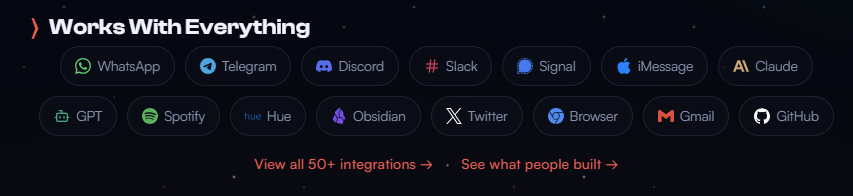
Step 4: Connect your messaging platform - I used WhatsApp, but Telegram and iMessage work too.
Step 5: Onboard your agent by describing your work, preferences, and boundaries.
Step 6: Start small. My first task: "Give me a morning brief with weather and top AI news." Low stakes, easy to verify. Only after that worked did I expand to content, code, then business operations.
Your Takeaway
OpenClawAI isn't for everyone. It requires technical comfort, security awareness, and willingness to experiment carefully.
But for those ready to explore: Welcome to the future. It's powerful, it's risky, and it's here right now.
The question isn't whether this technology will reshape how we work. It already is.
The question is whether you'll engage with it thoughtfully – or ignore it until you have no choice.
Not sure where to start with AI?
Ask us about our AI Innovation Workshop.
